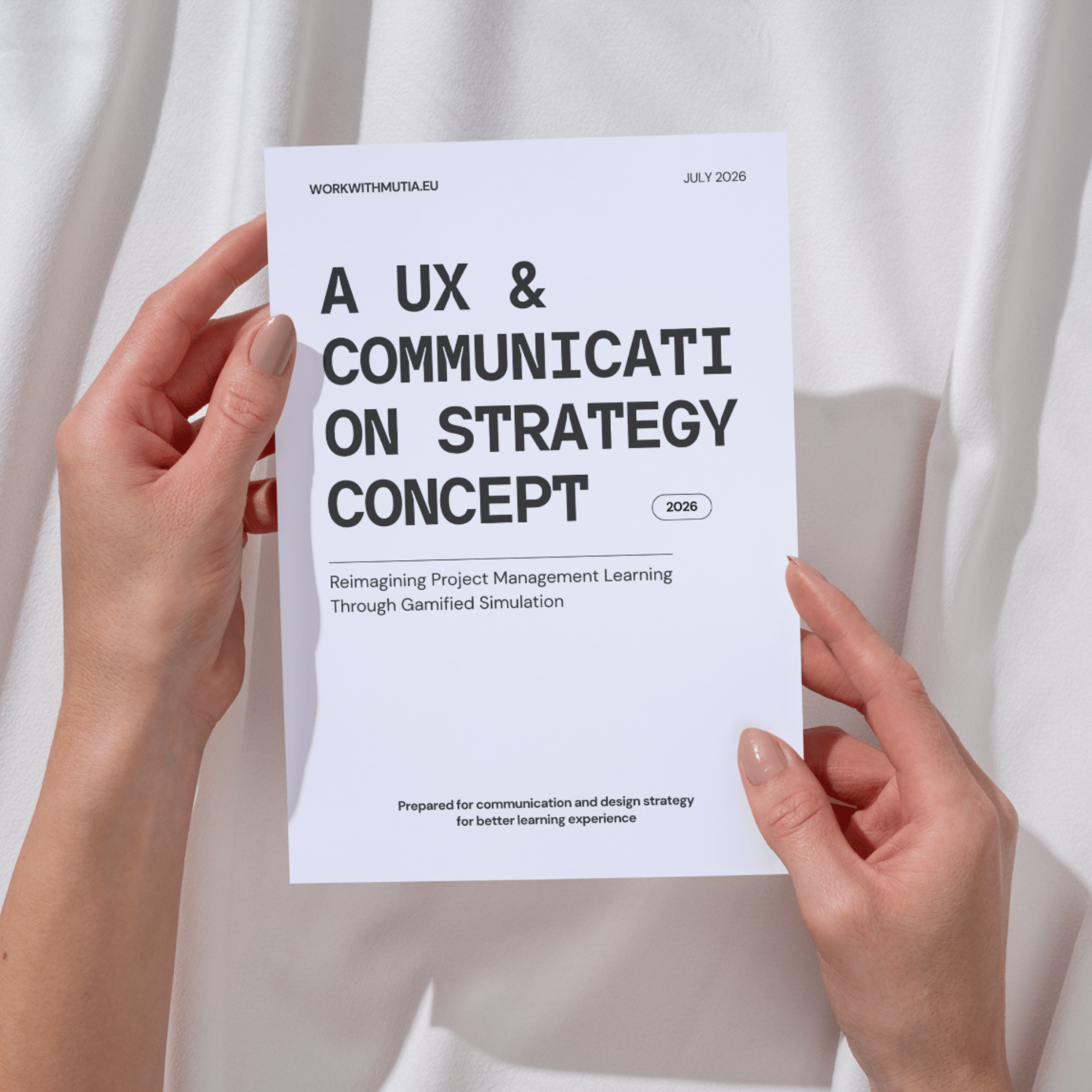
Project Management Website Simulation Case Study (2026)
Learning Experience Redesign
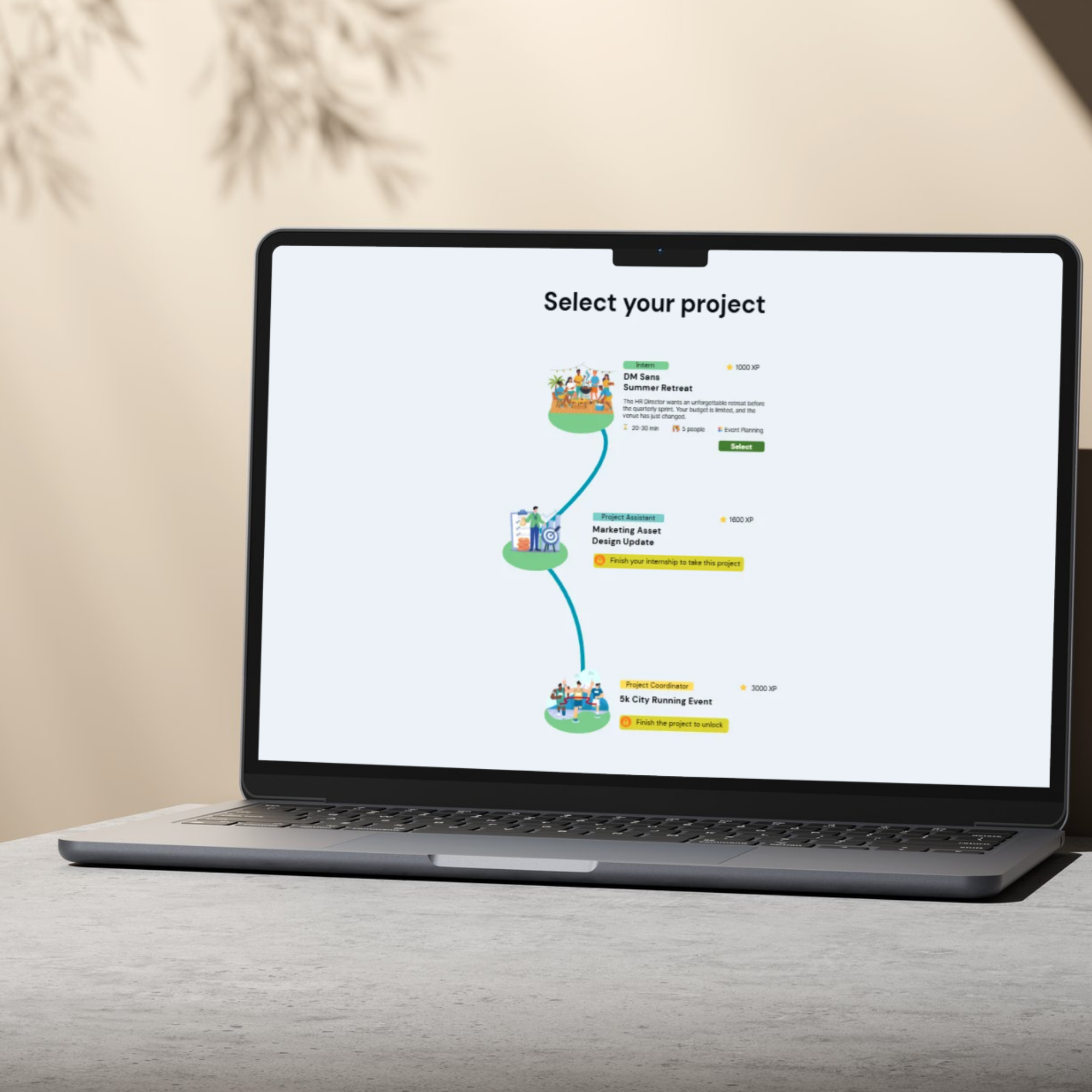
Redesigning a web-based project management simulator through the lens of communication design. Grounded in user feedback across usability, accessibility, and team collaboration tools, this project introduces key interface refinements and structured design frameworks to deepen workflow engagement.
Output: 22-page of case study document
Methodologies: usability and accessibility auditing, communication and design, user feedback, beta testing, iterative UI/UX design reframing.
Core competencies: LX design, communication design, accessibility and inclusive design, information architecture, and visual hierarchy.
Tools:

1 Platform Test
Goal: Evaluate the simulation platform’s accessibility and overall user experience.
Key Finding: High cognitive load throughout the simulation created confusion around next steps, hindering users from completing core tasks.
2 Key Friction Points
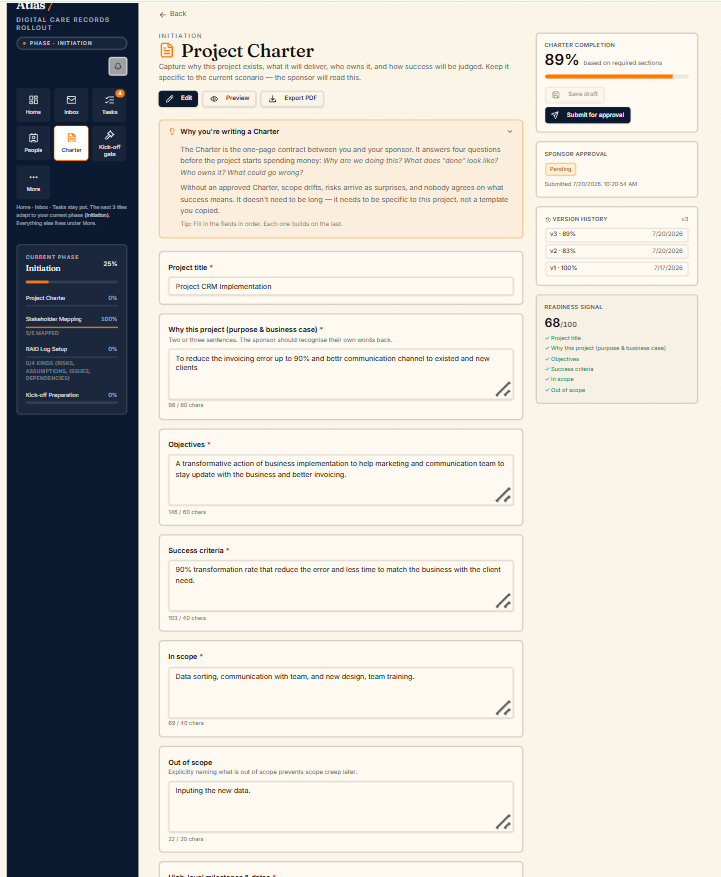
Poor visual hierarchy and lack of guidance created significant barriers to task completion:
Overwhelming UI: Cluttered dashboards, overcrowded sidebars, and insufficient negative space distracted from primary actions.
High Friction Inputs: Excessive manual scrolling and tedious data entry (e.g., typing out project charters) increased user drop-off.
Unclear Navigation: A lack of clear visual cues or progress indicators left users uncertain about what to do next or if a task was successfully finished.
3 Recommendations & Next Steps
Optimize Hierarchy: Use intentional negative space, clear visual anchors, and simplified sidebars to highlight primary actions.
Integrate Gamification: Introduce progress bars, step-by-step milestones, and instant visual rewards to boost user motivation and task completion.
Reduce Friction: Streamline long forms and automate repetitive data entry to maintain user focus and momentum.
Redesigned Dashboard: Clean visual layout prioritizing negative space and focal actions to reduce cognitive overload.
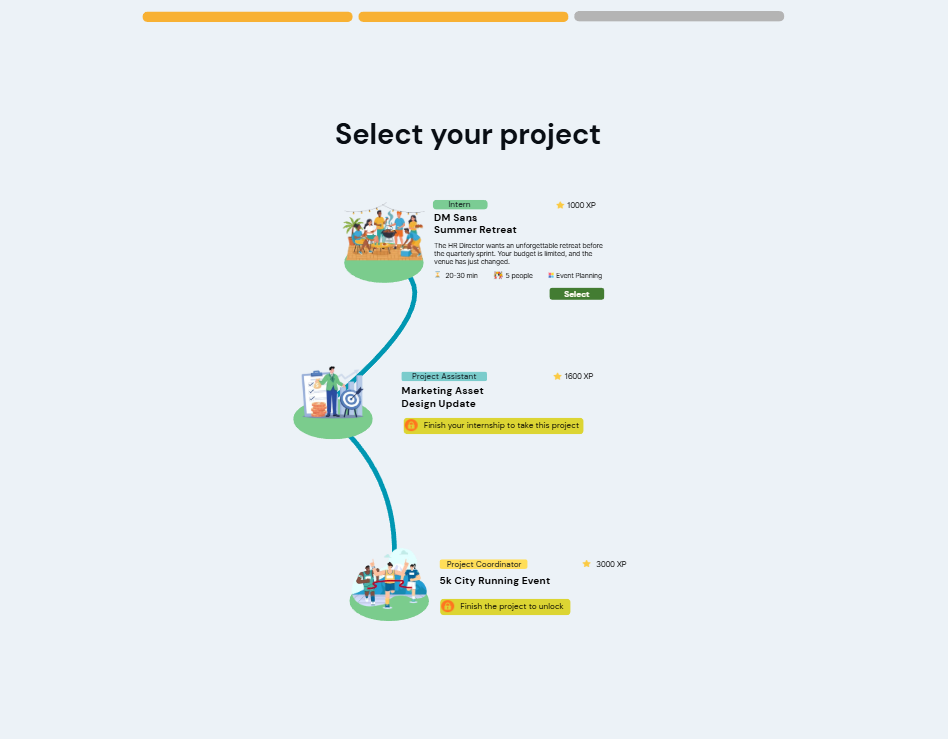
Gamified Progress Tracker: Interactive milestone indicators and feedback loops that keep users engaged throughout the task.
Streamlined Workflow: Simplified input screens replacing long forms to create a smooth, efficient task completion flow.
4 Mockup
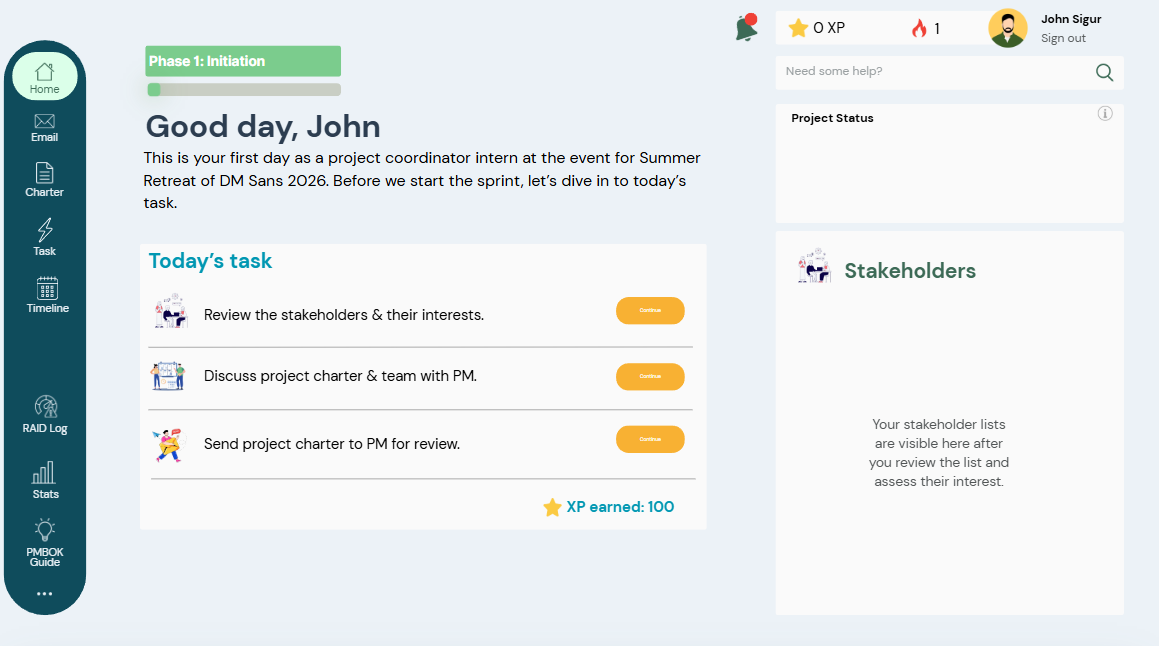
Minimal dashboard with the purpose to show important task at the first glance when user opens the simulation.
Gaining XP to gain experience to handle bigger project that allows user to learn the simulation phase.
Request for the full case study document